
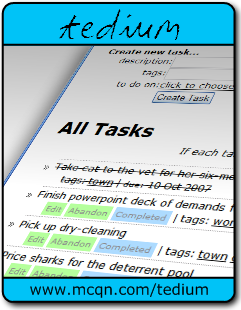
How to Install the Standalone tedium

The standalone version of tedium isn't any different from the normal version of tedium that you use online. When you use it you need to be connected to the Internet still, and it works exactly as the one you're used to using in your web browser.

The difference is in the web browser that you use - WebRunner. This is a special browser that only lets you visit one website, so there's no temptation to just check the news headlines or see if your friend has posted anything new to their blog.

And fewer distractions mean you get more done.

Installation

  1. Follow the WebRunner installation instructions to download and install WebRunner.
  2. Save this tedium.webapp configuration file to somewhere handy on your computer (right-click on it and choose "Save Target As..." or "Save Link As...")

Running Standalone tedium

To run the standalone version of tedium you just need to double-click the tedium.webapp file you saved in step 2 above. That will launch WebRunner and automatically take you to the familiar tedium login screen.

Find more help in the Contents page